Mastering the Dreame FP10: A Pet Owner's Guide to a Self-Cleaning Air Purifier
Overview
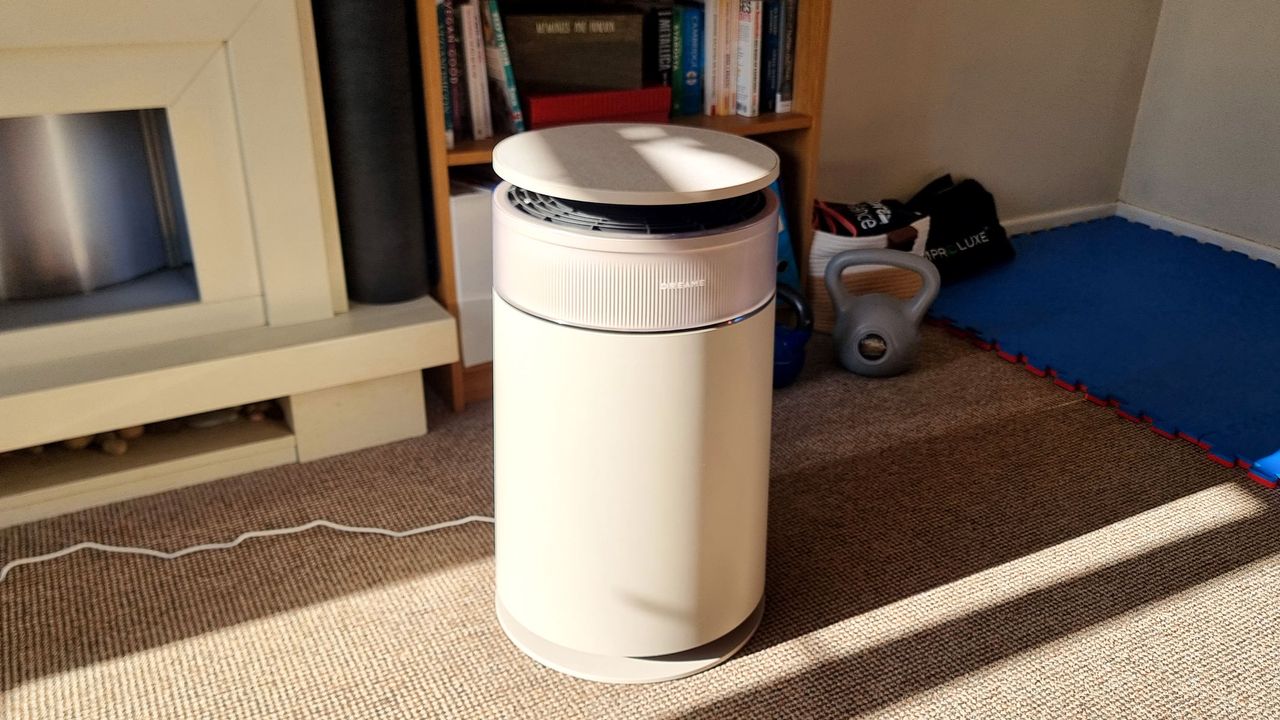
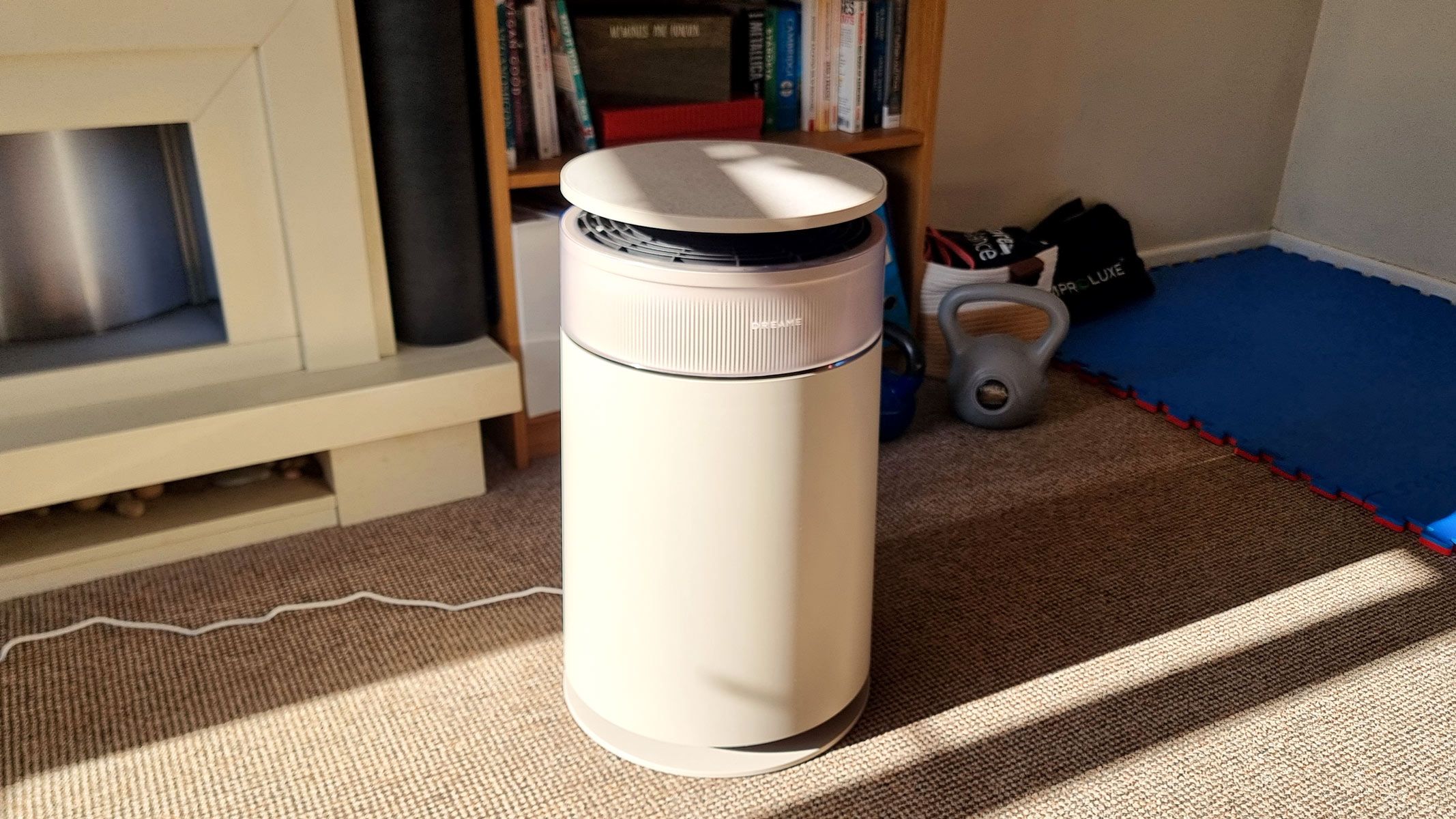
The Dreame FP10 stands as a groundbreaking air purifier designed specifically for households with pets. It automates the removal of hair, dander, and odors while minimizing noise and filter maintenance—making it a true set-and-forget solution. This guide will walk you through everything you need to know: from unboxing and daily use to troubleshooting and maximizing performance. By the end, you'll be able to keep your indoor air fresh and allergens under control with minimal effort.
Prerequisites
Before you start, ensure you have the following:
- The Dreame FP10 unit and all included accessories (power cord, user manual, pre-installed filter)
- A suitable location: flat, stable surface with at least 12 inches (30 cm) clearance on all sides for proper air intake and exhaust
- Access to a standard power outlet (110-240V, 50/60 Hz)
- Optional: a smartphone with the DreameHome app (iOS 10+ or Android 5+) for advanced controls and scheduling
- For pet owners: a vacuum or lint roller to pre-clean large clumps of hair before entering the purifier (recommended but not required)
Step-by-Step Instructions
Unboxing and Initial Setup
- Remove packaging: Carefully take the FP10 out of the box. Remove all plastic wrap, tape, and foam inserts.
- Inspect the filter: The unit arrives with a HEPA+activated carbon composite filter already installed. Confirm it is seated correctly and the plastic wrap around the filter is removed (if any).
- Place the unit: Set the purifier on a hard, level floor away from walls, furniture, and curtains. Do not place on carpet or soft surfaces that could block the bottom intake.
- Connect to power: Plug the cord into the rear port and connect to an outlet. The display will light up briefly and then show the default standby screen.
- Download the app (optional but recommended): Search for “DreameHome” in your app store, create an account, and follow the in-app pairing instructions (press and hold the WiFi button on the unit for 3 seconds until it beeps).
- Run a calibration cycle: From the app menu, select “Calibrate Air Quality Sensor” and let the purifier run for 10–15 minutes in Auto mode. This ensures accurate readings of PM2.5, PM10, VOCs, and humidity.
Understanding Operating Modes
The FP10 offers several modes to suit different environments:
- Auto Mode: The purifier automatically adjusts fan speed based on real-time air quality readings. Best for continuous use.
- Sleep Mode: Fan runs at the lowest speed (almost silent) and the display dims. Ideal for bedrooms.
- Turbo Mode: Maximum airflow for rapid purification. Use after vacuuming, cooking, or when you detect strong odors.
- Manual Speed: You can select one of 4+ fan speeds directly on the unit or via the app.
- Self-Cleaning Mode (see below): This is the star feature—a dedicated cycle that automates filter maintenance.
Using the Self-Cleaning Cycle
The FP10 uses a patented internal brush and vacuum mechanism to dislodge dust and hair from the pre-filter and HEPA layer, collecting debris in a small internal bin. Here’s how to initiate it:
- Manual start: On the unit, press the “Self-Clean” button (icon of a circular arrow with a broom). Alternatively, in the app, tap “Self-Cleaning”.
- Cycle duration: It takes about 5 minutes. The unit will increase speed, then run the brush, then suction waste into the bin. You may hear mechanical noise—this is normal.
- Empty the bin: After the cycle, remove the rear hatch (slide down and pull out) and take out the dust container. Empty it into a trash can, rinse the container with water monthly, and let it dry completely before reinserting.
- Frequency recommendation: Run the self-cleaning cycle every 2–4 weeks depending on pet shedding and air quality. If you see filter alert (indicated on display or app), run it immediately.
Tip: Use the app to schedule automatic self-cleaning cycles weekly—this minimizes odor buildup and extends filter life.
Filter Maintenance and Replacement
Even though the FP10 is self-cleaning, the main filter eventually needs replacement (typically every 6–12 months for pet owners, based on usage). Follow these steps:
- Check filter lifespan: In the app, go to “Filter Life” to see percentage remaining. Replace when it drops to 0% or if you notice reduced airflow despite self-cleaning.
- Purchase a genuine replacement: Use only Dreame-approved filters (model FPV2000 or later) to maintain performance.
- Replace the filter: Turn off and unplug the unit. Open the front cover by pushing the top release. Grasp the old filter and pull it out. Insert the new filter with the tab facing outward, then close the cover until it clicks.
- Reset filter life: After replacement, press and hold the “Self-Clean” button for 5 seconds until the indicator resets, or do it via the app.
Optimization Tips for Pet Owners
- Place the purifier near high-traffic areas where your cat or dog spends most time (e.g., near a cat tree or dog bed).
- Run it continuously on Auto to catch dander and odor spikes in real time.
- Pre-vacuum loose hair with a pet vacuum before the purifier—though the FP10 handles hair well, large clumps can overload the self-cleaning cycle.
- Use Turbo mode for 15–20 minutes after grooming sessions to quickly remove airborne particles.
- Enable odor sensors: In the app, turn on “Pet Odor Detection” (if available in your region) to automatically boost fan speed when the purifier senses high VOCs from litter boxes or damp pet areas.
Common Mistakes to Avoid
- Blocking airflow: Placing the purifier behind furniture or curtains restricts intake and exhaust, making it less efficient.
- Neglecting the self-cleaning bin: Forgetting to empty it regularly can cause the internal mechanism to clog and reduce performance.
- Using non-genuine filters: Third-party filters may not fit properly or have the same adhesion layers, leading to leaks and reduced filtration.
- Running self-cleaning too infrequently: In heavy pet environments, waiting more than 4 weeks between cycles allows hair and dander to embed deeply in the filter, shortening its life.
- Ignoring sensor calibration: If you move the purifier to a new room or after cleaning the sensor lens, always recalibrate from the app for accurate readings.
- Overlooking humidity: Very high humidity (>80%) can affect the charcoal filter’s odor capture. In damp climates, consider adding a dehumidifier.
Summary
The Dreame FP10 redefines air purification for pet owners by combining powerful filtration with automated self-cleaning technology. By following this guide—setting it up correctly, using the self-cleaning cycle on a regular schedule, and avoiding common pitfalls—you’ll enjoy cleaner air with significantly less manual maintenance. Its low noise levels and smart features adapt to your home’s needs. Embrace the convenience: set it, forget routine cleanup, and breathe easier.
Related Articles
- 10 Essential Insights About the American Dream in 2025
- Scaling AI-Powered Code Review: Lessons from Cloudflare's Multi-Agent System
- Navigating Frontier AI: Key Insights for Defense Leaders
- VSTest Ends Dependency on Newtonsoft.Json: What You Need to Know
- DJI Osmo 360: 10 Key Features That Make It the Ultimate Action Camera for Adventurers
- Googlebooks: The Trojan Horse for Gemini AI
- 10 Critical Insights into Midwest Farm Flooding and Drainage Solutions
- Unify Multi-Cloud Visibility with HCP Terraform and Infragraph: A Practical Guide